TWO PORTFOLIOS. TWO DIMENSIONS. ONE DECISION.
Select the portfolio path that fits the conversation, then move through a cinematic entry point into either AI systems thinking or architectural visualization work.
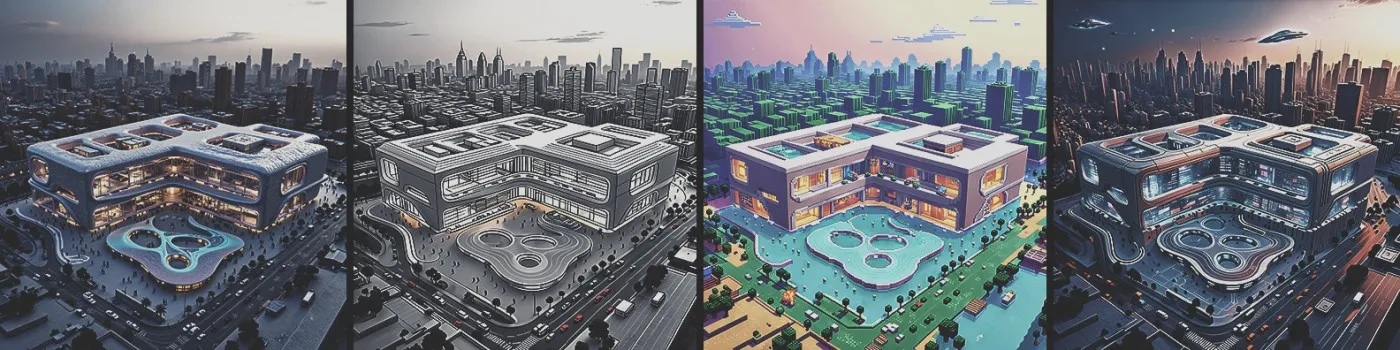
Two distinct narratives, one interface
Open the full AI pipeline story or switch to a dedicated Archviz portfolio with its own home, projects, and contact flow.
Open one complete portfolio experience
Pick a card to switch the entire site structure, hero, menu, and available chapters.
AI Technical Integration
Technical branches are arranged as connected cards: each main agent leads to child branches, and each child keeps its workflow attachment open so the viewer sees both result and generation path together.
Development
Development is shown through two main branches: MeeM-Prompt with its application child, and LoRA training with Custom style as its child branch.
Applications
Each project becomes its own branch with photos, software, role, year, and a short info block. Project titles and details are ready to be replaced as you provide final material.
Projects
Spatial case studies, atmosphere studies, and final visualization packages are shown with the same deep project-card structure used in the AI portfolio.
Let's connect
Reach out directly for collaboration, portfolio reviews, freelance work, or project-based AI visualization support.
Ready to start a conversation?
If you want to discuss an architectural visualization workflow, a portfolio build, or an AI-assisted project pipeline, reach out and I will respond directly.
Email Mostafa